Take Your Business To The Next Level With Online Booking
Unlock growth and convenience by implementing online booking for your business.
- Increase Direct Bookings
- Built For Watersports
- Save Hours Every Week
- Live Support
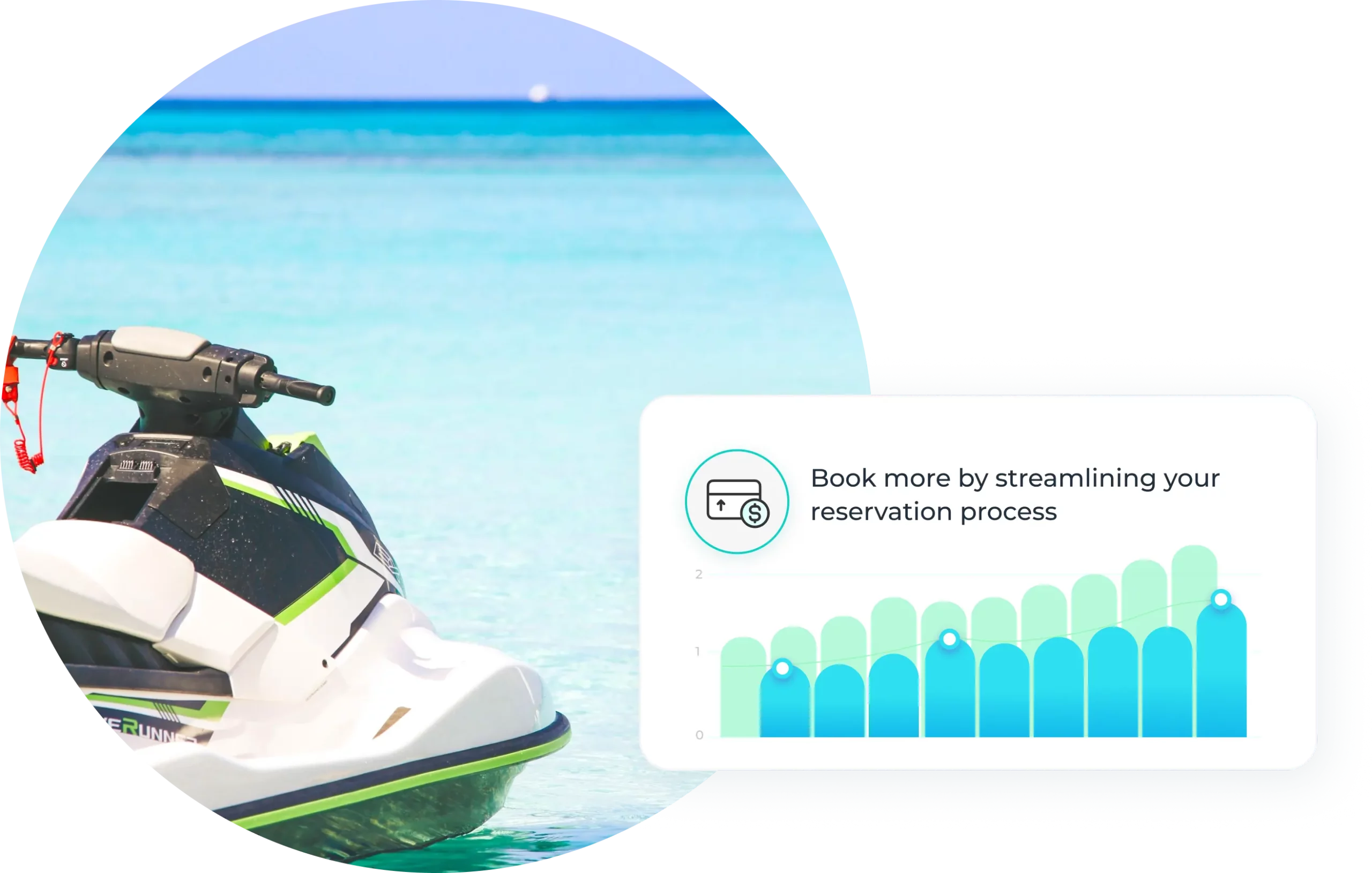
Increase Booking Conversion
- Offer flexible payment options including Apple Pay, Google Pay, Link, PayPal, and more.
- Run promo codes with advanced rules to stand out and drive bookings when demand matters most.
- Customize your booking flow to reduce friction and shorten the path to purchase.
Create a Better Guest Experience
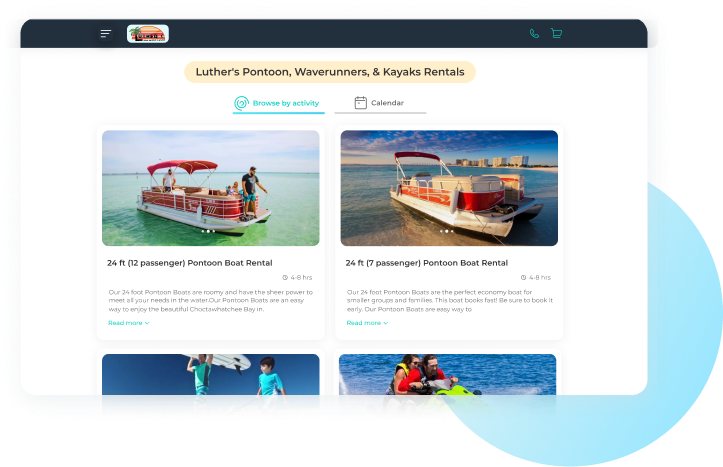
- Our industry-leading booking flow delivers a fast, frictionless experience while driving higher profitability through add-ons.
- Automated confirmations and reminders keep guests informed and prepared, reducing confusion and no-shows.
- With Search by Date, guests can quickly compare availability and pricing for each rental on a given day, turning browsers into bookings.
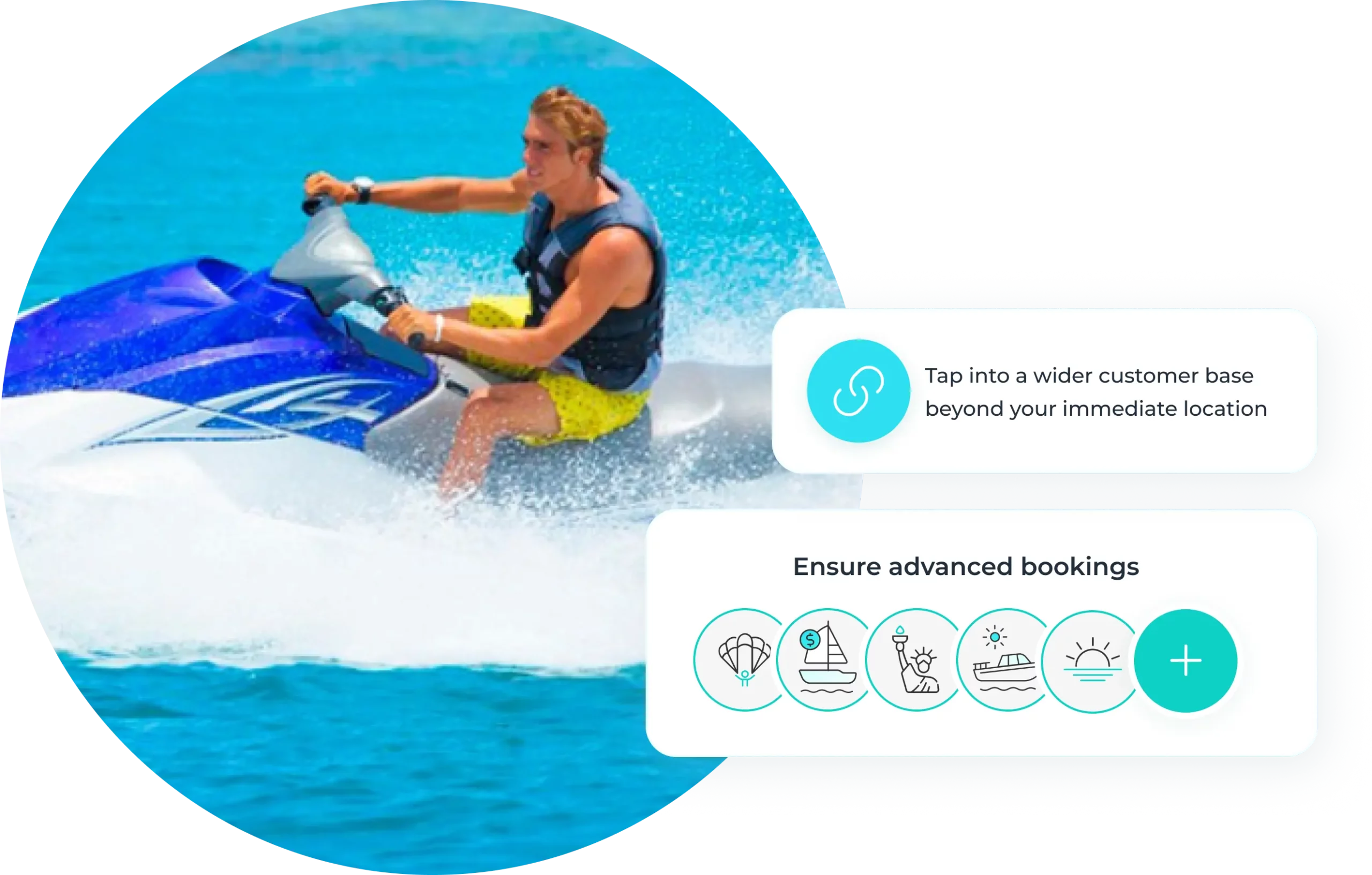
Reach More Customers
- Reach more travelers through built-in integrations with Google Things To Do and Viator/TripAdvisor.
- Turn your customer list into high-performing Lookalike Audiences in Meta and Google Ads for smarter, more targeted campaigns.
- Enable local operators to resell your trips for a commission by opting into the WaveRez reseller marketplace (Powered by TripShock).
Real-Time Availability Updates
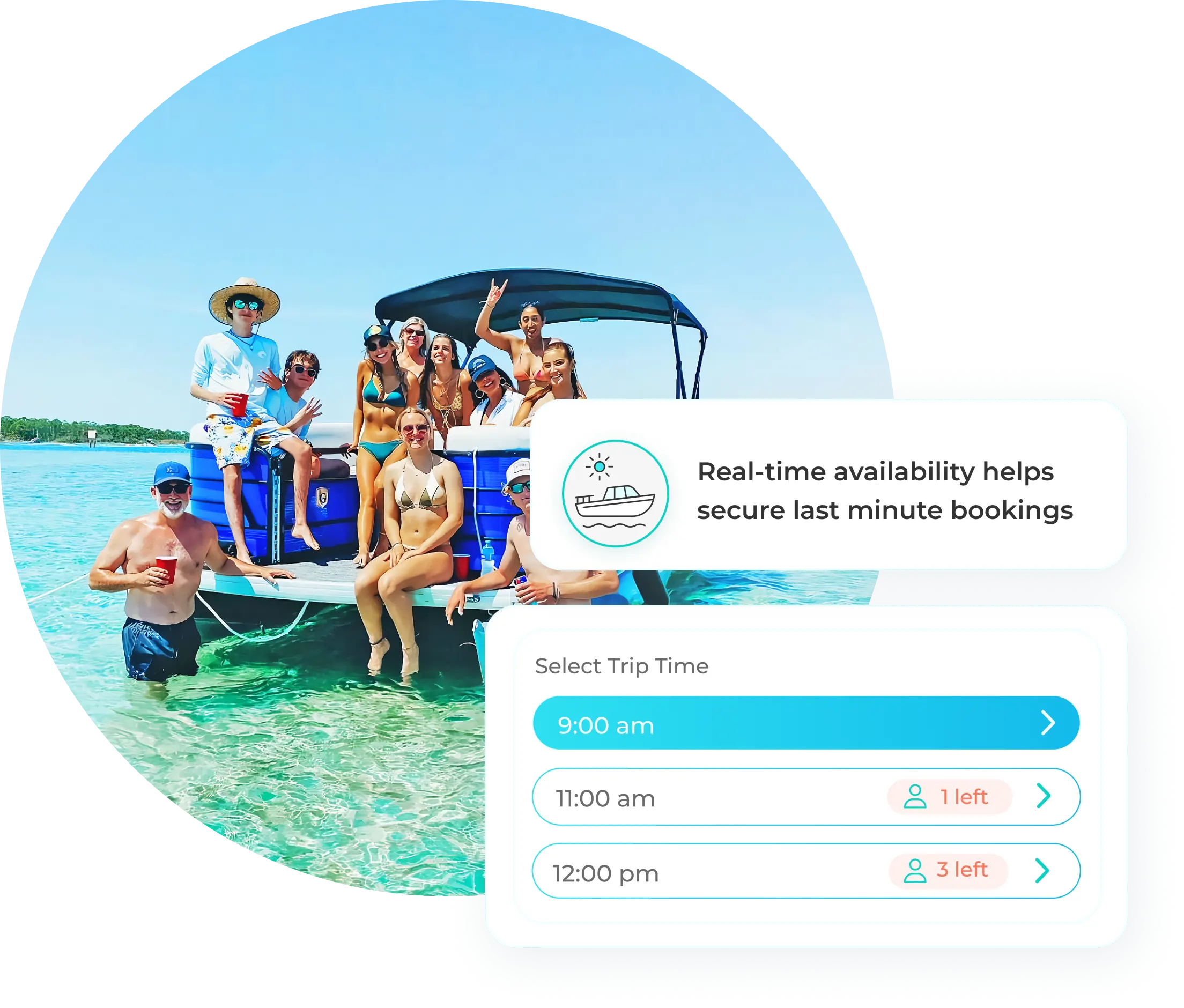
- Keep availability perfectly in sync across all booking channels to prevent double bookings and manual fixes.
- Update schedules instantly so last-minute changes, cancellations, and maintenance are reflected everywhere in real time.
- Let guests book anytime, anywhere with confidence, knowing availability is always accurate.
Reservations – Frequently Asked questions
1. Can I be notified by text message for each online reservation?
Yes, WaveRez can receive online and internal reservation notifications by both text message and email. You can also assign notifications to multiple employees, which helps ensure that the right team members are alerted when a new booking is received. Each new reservation also appears in the system immediately for users with account access.
2. If a customer books online at the same time I’m making a phone reservation, will it overbook?
No, WaveRez is designed to prevent overbooking when an online customer and a staff member are trying to reserve the same inventory at the same time. The system uses temporary shopping-cart holds that reserve the selected inventory while the customer completes checkout. If the customer does not finish within the allowed time window, the hold expires and the inventory is automatically released for booking.
3. Is it difficult to integrate the booking widget on my website?
No, integrating the WaveRez booking widget with your website is straightforward. Once your account setup is complete, you will receive a booking portal link that can be added to your website. For a more seamless experience, you can also add a simple script that opens the WaveRez Lightframe booking portal as an overlay, allowing customers to book without leaving your site. A developer or website administrator may be helpful for installation, and the WaveRez implementation team is available to assist.
4. Can my customers book online using their mobile phone?
Yes, the WaveRez booking portal is fully mobile optimized and designed to make booking easy from a phone or tablet. When connected with Stripe, the checkout process is fast and seamless, with convenient payment options such as Apple Pay and Google Pay available to eligible customers.
5. Can we split payments for large parties?
Yes, WaveRez allows staff to split payments for large parties and group reservations. From the customer order, your team can apply partial payments using cash, credit cards, and other accepted payment methods. Split payments are not currently available during online checkout, but you can offer a deposit option if you prefer to collect only a percentage of the total amount upfront.
6. Can staff check customers in and mark them as arrived, boarded, completed, or no-show?
Yes, WaveRez includes multiple reservation statuses that can be updated as a booking moves through each stage of the guest experience. These statuses help team members quickly understand what is happening with each guest, such as whether a reservation is confirmed, checked in, completed, canceled, or requires attention. Staff can also add reservation notes to share important details, special requests, operational instructions, or internal updates with the rest of the team.
7. Can we create reservations for customers who book through a hotel concierge, affiliate, reseller, or phone agent?
Yes, WaveRez can support affiliate and reseller tracking through unique booking links. You begin by creating an affiliate username within the platform, then generate a dedicated URL that the affiliate can share with guests, customers, or followers. When someone books through that link, the reservation is automatically tracked and attributed to the correct affiliate or reseller.
8. Can we track which employee created, edited, refunded, or changed a reservation?
Yes, WaveRez tracks every booking and logs key actions so you can see who made changes and when they were made. This includes reservation updates, calendar edits, payment-related actions, and other operational changes. WaveRez also supports user permissions, allowing you to limit access for certain employees and control who can edit reservations, adjust schedules, change pricing, process refunds, or make other sensitive updates.
9. Will my guests get automated email reminders including a review invite?
Yes, WaveRez can automatically send guests a series of communications before and after their activity. After booking, guests receive a confirmation email and text message, followed by a reminder email before their scheduled experience. Once the activity is complete, WaveRez can send a review invitation email to help your business collect guest feedback.
WaveRez also supports webhooks, which allow you to expand your communication workflows using booking data and event-based triggers. This can help connect WaveRez with other tools for additional email, text-message, CRM, or marketing automation campaigns.
10. Can I offer percentage discount promo codes?
Yes, WaveRez offers a robust promo code tool with advanced options for creating targeted promotions. You can set booking cutoff dates, arrival-date and order-date ranges, dollar-off or percentage-off discounts, minimum order amounts, expiration dates, usage limits, and trip-specific codes. These controls make it easier to run promotions for select activities, slower dates, early bookings, repeat guests, or special events.
We Strive To Be The Best
See what real WaveRez customers are saying
John Stephens
Luther’s Pontoon, Waverunners, & Kayaks Rentals
Kristy Johnson
Olin Marler’s Dolphin Cruises & Fishing Charters
Supercharge Your Rental Business

No Hidden Fees

No Contracts

Built For Watersports

Live Support